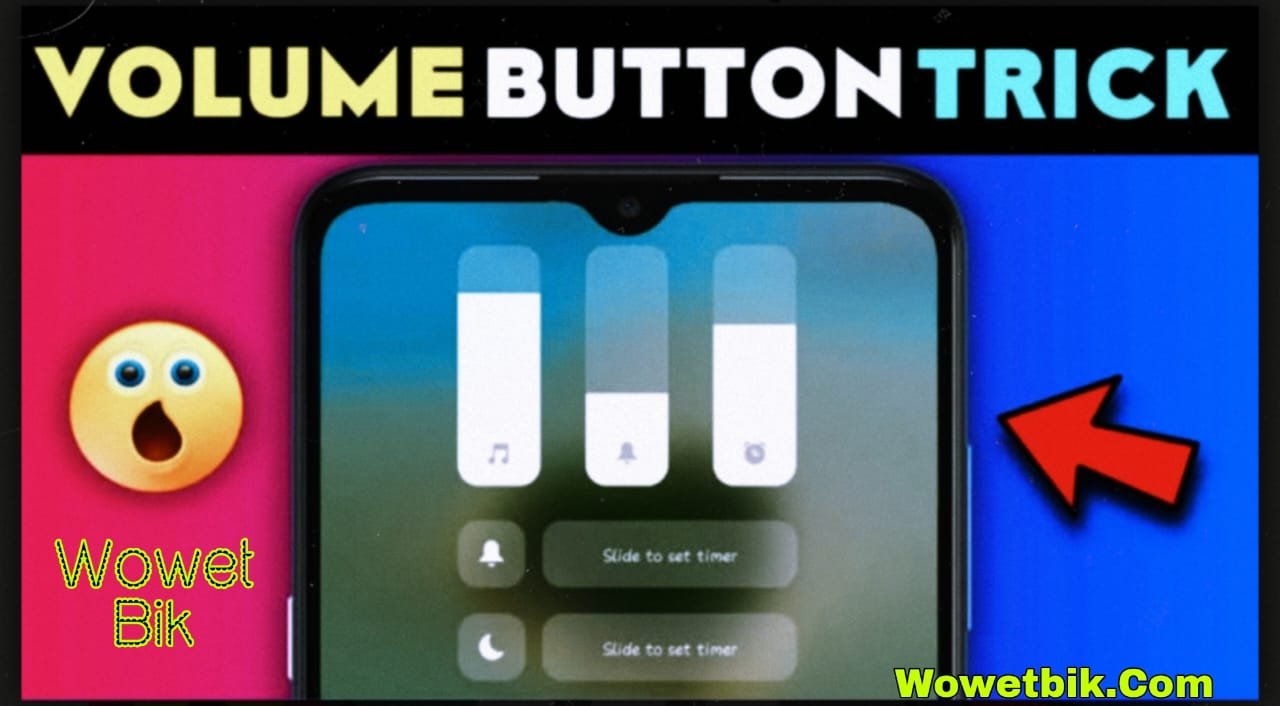
Discover the hidden volume button feature on Android in 2025. Learn an easy secret trick to boost control, shortcuts, and productivity with your volume keys.
Introduction
Did you know your Android’s volume buttons can do much more than just control sound? Most users never realize that these tiny keys hide a powerful shortcut feature that can save time, improve accessibility, and make your phone usage smoother.
In this guide, I’ll show you the hidden volume button feature you can try in 2025—completely safe, easy, and useful for all Android users.
This trick requires no root, no risky apps, and works on almost every Android device.
What Is the Hidden Volume Button Feature?
The hidden volume button feature lets you use your volume keys as quick shortcuts. Instead of opening apps manually, you can simply press your volume buttons in a certain pattern to perform tasks instantly.
This feature is becoming popular in Android accessibility settings and smart automation apps.
Why Use the Volume Button Shortcut Trick?
Here’s why this feature is so useful:
- Saves time when opening your favorite apps
- Boosts productivity by reducing steps
- Helps in emergency situations
- Improves accessibility for users who prefer physical buttons
- Works even when the screen is off
This simple trick can transform how you use your phone daily.
How to Enable the Hidden Volume Button Feature (Easy 2025 Guide)
1. Using Accessibility Shortcut
Most Android models include a built-in feature in the Accessibility menu:
- Open Settings
- Go to Accessibility
- Tap Accessibility Shortcut
- Select an action (example: turn on flashlight, open camera, enable mono audio)
- Enable Press and hold both volume keys
✔ Now, whenever you press and hold the volume buttons together, the selected function activates instantly.
2. Set Custom Actions With Automation Apps
Many users want more advanced shortcuts like:
- Opening WhatsApp
- Starting screen recording
- Launching camera quickly
- Running a custom command
- Turning on silent mode instantly
To do this, you can use trusted automation apps available on the Play Store. These apps allow:
- Double-press volume up
- Double-press volume down
- Volume up + volume down combo
These custom controls are safe and require no rooting.
Most Useful Volume Button Shortcuts in 2025
1. Quickly Turn On Flashlight
Perfect for dark places or emergencies.
2. Open Camera in an Instant
Capture moments without unlocking your phone.
3. Launch Your Favorite App
Whether it’s a banking app or notes app, open it instantly.
4. Emergency SOS Feature
Long-press the volume buttons to:
- Send your location
- Call emergency contacts
- Trigger loud alerts
5. Toggle Silent/Vibration Modes
Great when entering meetings or classrooms.
Benefits of Using These Hidden Volume Button Tricks
Here’s how this feature makes your life easier:
- Faster access to important tools
- Hands-on control even when the display is locked
- Helps with privacy (open secure apps instantly)
- Works offline and drains almost no battery
- Suitable for students, office workers, and seniors
This is one of the most underrated Android secret settings people overlook.
Pro Tips for Best Performance
To keep shortcuts working smoothly:
- Avoid apps that heavily modify system buttons
- Keep your Accessibility settings updated
- Restart the phone occasionally
- Don’t assign conflicting shortcuts
- Test the shortcut after enabling it
Conclusion
Volume buttons may look simple, but with this hidden feature, they become powerful shortcuts that can save time and improve your daily smartphone experience. Whether you want quick access to your flashlight, camera, or emergency tools, this 2025 trick works beautifully.